
- Start Here
Explore GeJay Media
Joomla
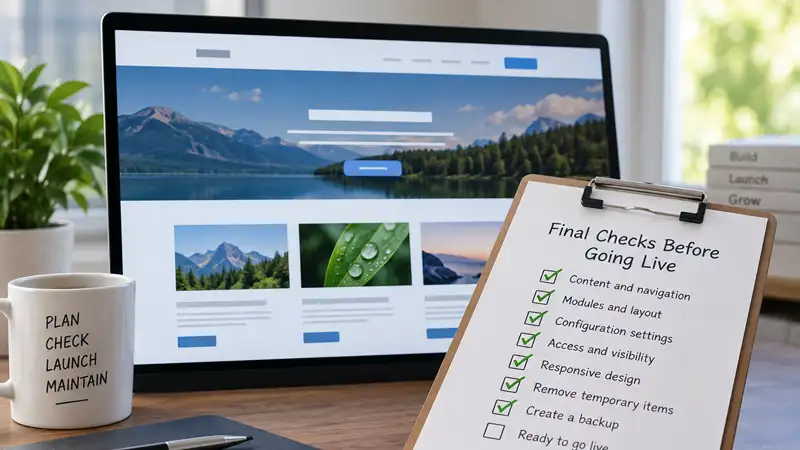
Final Joomla Checks Before Going Live
- Run a structured final review of your Joomla site before launch, including navigation, modules, configuration, access, responsive behaviour, development leftovers, and backups.
A Joomla website can look finished while still containing problems that only become obvious once you start using it as a visitor. Before making the site public, a final review can catch navigation ...
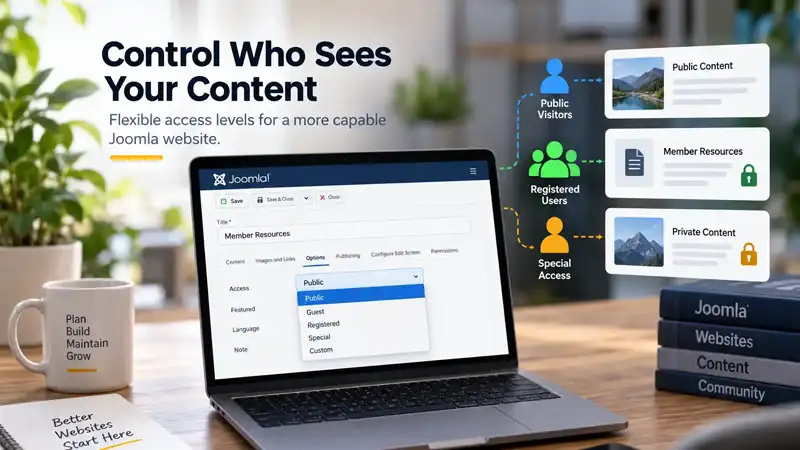
How Joomla Access Levels Control Who Can See Your Content
- A practical introduction to Joomla viewing access levels, user groups, and controlling which visitors can see different parts of your website.
Most Joomla websites do not need complicated access rules. A public blog, business website, or informational site may make nearly everything available to everyone. However, Joomla also includes a b...

How Joomla Helps Visitors Find Content Beyond the Search Box
- Explore how Joomla combines navigation, categories, tags, related content, and Smart Search to give visitors different ways to discover useful content.
When people think about finding content on a Joomla website, the search box is usually the obvious starting point. But visitors discover information in several other ways before they ever type a se...

How Joomla Template Styles and Menu Assignments Work
- Learn how Joomla Template Styles work with menu assignments, when multiple styles are useful, and how they differ from separate templates, Child Templates, and overrides.
Installing a Joomla template does not necessarily mean every page on the website has to use exactly the same template configuration. Joomla's Template Styles allow an installed template to have dif...
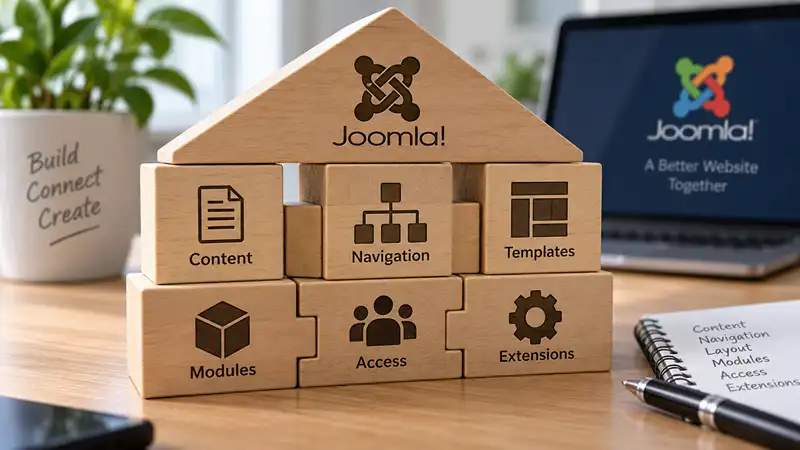
How Joomla's Structure Fits Together When Building a Website
- Understand how Joomla categories, menu items, templates, modules, access controls, and extensions work together as you build and change a website.
Building a Joomla website involves more than creating articles and choosing where they appear. Categories, menu items, templates, modules, access controls, and extensions each perform different job...

How Major CMS Extensions Can Change Your Website Structure
- Learn how major CMS extensions can affect content types, URLs, navigation, users, and other parts of your website architecture before you build around them.
Installing an extension can sound like a relatively small change to a website. You need a particular feature, find an extension that provides it, install it, configure a few options, and continue b...

How to Choose the Right Web Hosting for Your Website
Choosing web hosting is easy when you compare plans only by storage, bandwidth, and price. Choosing hosting that will still work well for your website several years from now requires looking at som...

How to Identify and Resolve Joomla Extension Conflicts
- Learn how to recognize Joomla extension conflicts, investigate overlapping functionality, identify dependencies, and resolve problems without creating additional complications.
Joomla extensions allow website owners to add functionality without developing every feature themselves. Components, modules, plugins, and templates can work together to create a flexible website, ...

How to Know When a Website Needs More Than Routine Maintenance
- Learn how to recognize when recurring problems, accumulated customizations, dependencies, and maintenance debt mean a website needs more than routine upkeep.
Routine website maintenance is supposed to keep a website healthy. Updates are reviewed and applied, backups are maintained, important functionality is checked, and ordinary problems are addressed ...
How to Use Joomla's Built-In Help When You Need Answers
- Learn how Joomla's contextual Help can clarify unfamiliar screens, settings, and terminology, and when you should turn to other resources for a more complete answer.
When you run into an unfamiliar option in Joomla, it can be tempting to leave the administrator interface and immediately search the web for an explanation. Sometimes that is necessary, but Joomla ...

Joomla Categories: How to Structure Content Without Overcomplicating It
- Learn how to structure Joomla categories around real content, decide when to use subcategories, and keep your content organization manageable as the site grows.
Joomla categories provide the main editorial structure for articles, but that does not mean every subject, content variation, or future idea needs a category of its own. A category works best when ...
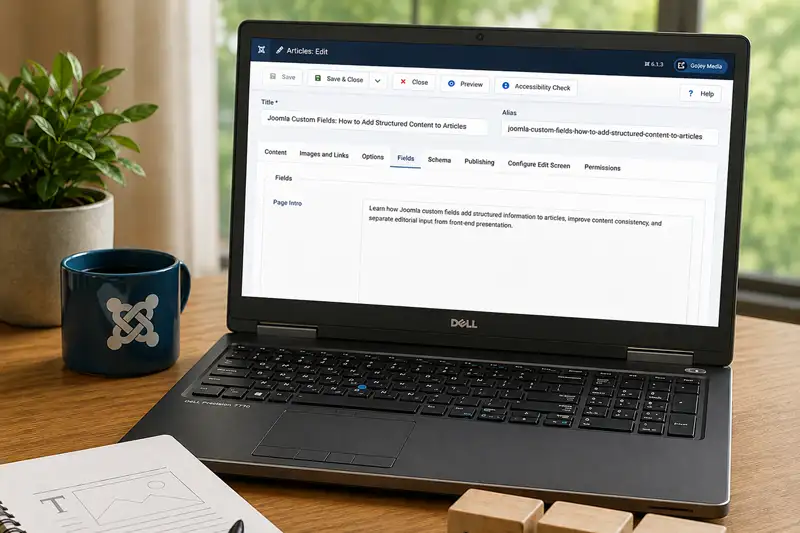
Joomla Custom Fields: How to Add Structured Content to Articles
- Learn how Joomla custom fields add structured information to articles, improve content consistency, and separate editorial input from front-end presentation.
Joomla articles can contain much more than a title and a body of text. Images, author information, publishing dates, categories, tags, and other properties can all contribute to the finished conten...
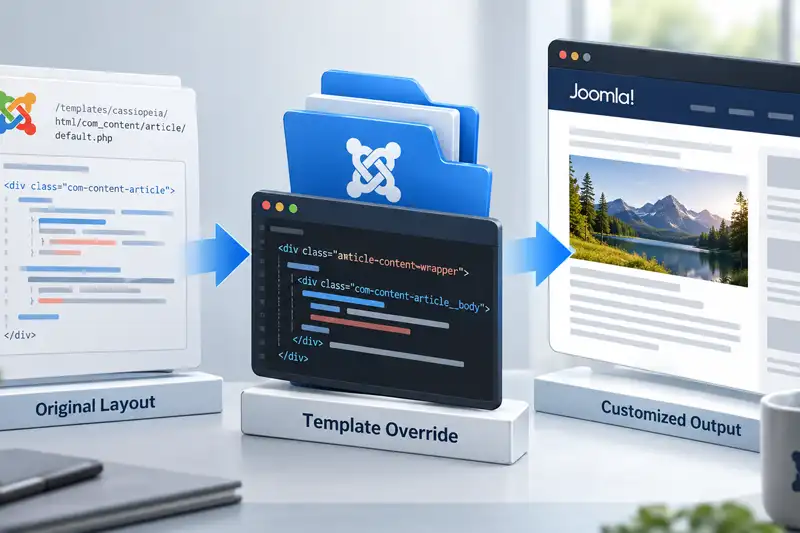
Joomla Template Overrides: How They Work and When to Use Them
- Learn when a Joomla template override is the right customization method, how overrides work, how to create one in Joomla 6.1, and how to keep it maintainable through future updates.
Joomla template overrides give you a way to change the HTML output produced by Joomla or an extension without editing the original files that provide that output. They are one of Joomla's most usef...

Joomla vs WordPress: How Website Customization Differs
Joomla and WordPress can both be customized extensively, but they organize customization differently. WordPress draws heavily on themes, blocks, plugins, and its large third-party ecosystem, while ...

Joomla vs WordPress: How Website Maintenance Differs
Joomla and WordPress both require ongoing maintenance, but the work is organized differently because the two content management systems divide responsibilities in different ways.
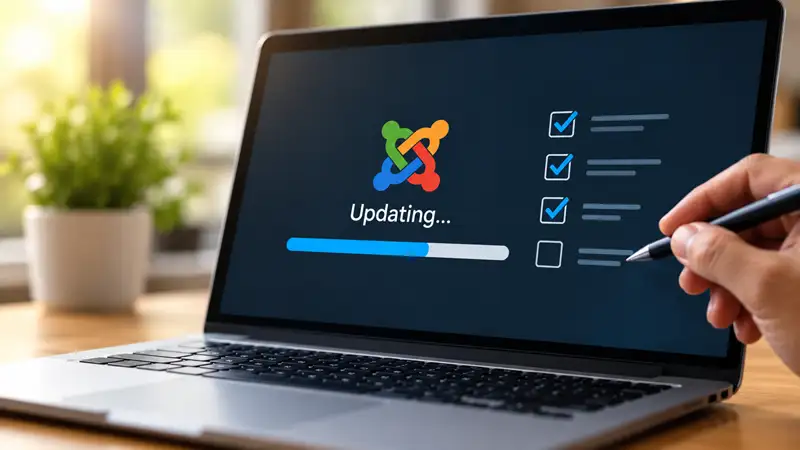
Managing Joomla Updates Without Creating Unnecessary Problems
- A practical approach to Joomla updates, from checking compatibility and preparing backups to verifying changes and recovering when something goes wrong.
Keeping Joomla updated is an important part of maintaining a secure, stable, and functional website. However, updates are not always as straightforward as selecting an available update and waiting ...

Managing Media in Joomla Without Creating a Mess
- Keep Joomla's media library manageable with better folder organization, filenames, upload habits, duplicate control, and safer handling of existing files.
Uploading an image or document to Joomla takes only a few moments. Managing hundreds or thousands of those files over the life of a website is a different problem and can cause several unexpected c...
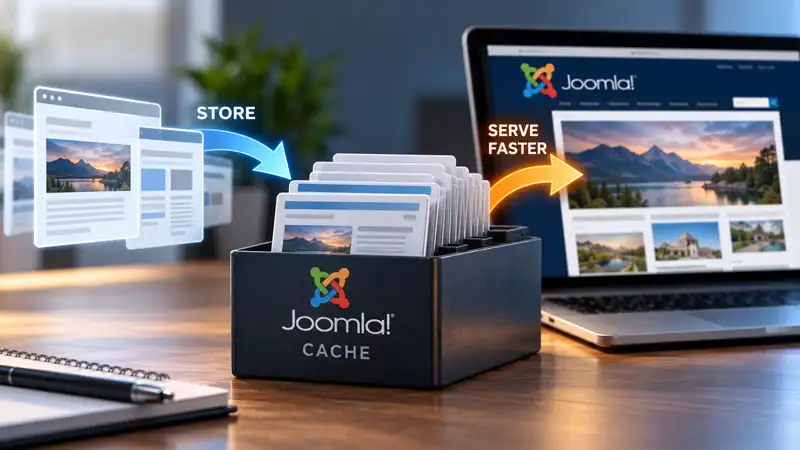
Understanding Joomla Caching and When to Use It
- Understand Joomla's caching options, how they affect website performance, and when caching can create problems with outdated or personalized content.
Caching is one of the ways Joomla can improve website performance by reducing the amount of processing required to deliver content. However, Joomla offers several caching mechanisms, and enabling t...
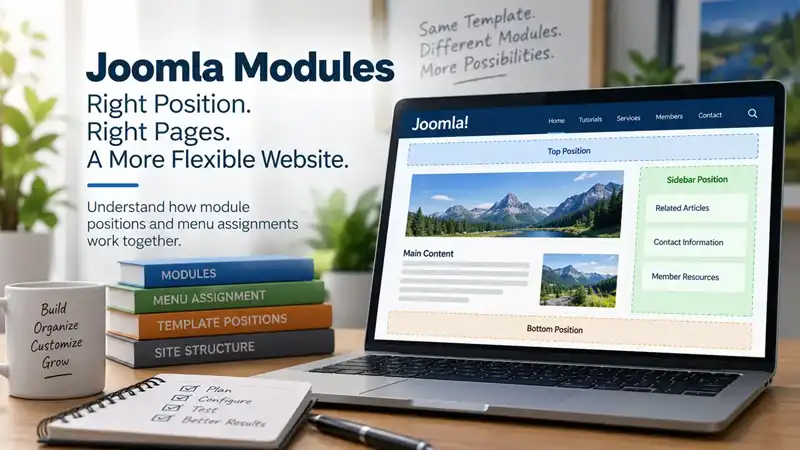
Understanding Joomla Module Positions and Page Assignments
- Learn how Joomla module positions, menu assignments, and menu-item context work together to create flexible page layouts without building every page separately.
Joomla modules give you considerable control over what appears around the main content of a page, but that control depends on two different decisions: where the module can appear and where it shoul...

Understanding Joomla SEF URLs and Core URL Rewriting
Search Engine Friendly URLs are one of those Joomla features that can appear simpler than they really are. Enable a setting, remove index.php from the address, and the job seems finish...
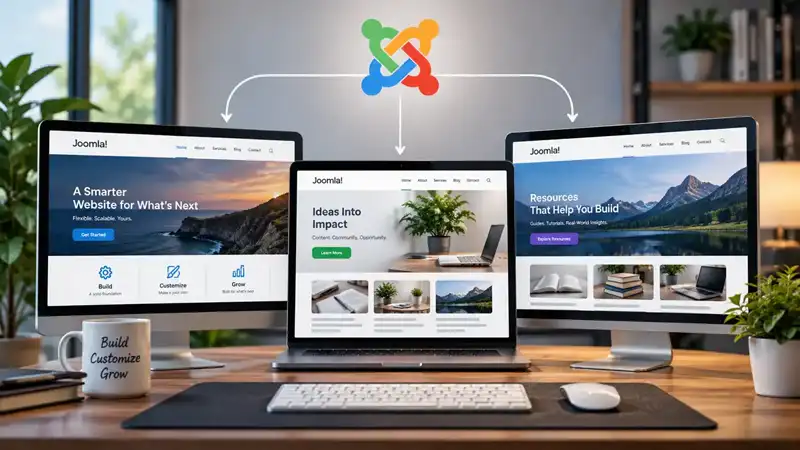
Using Joomla Template Styles Across Your Website
- Learn how Joomla Template Styles let you use different configurations of one template across your website, and when creating multiple styles makes sense.
Installing a Joomla template doesn't mean every part of your website has to use the same configuration. A single template can have multiple Template Styles, each storing its own combination of sett...
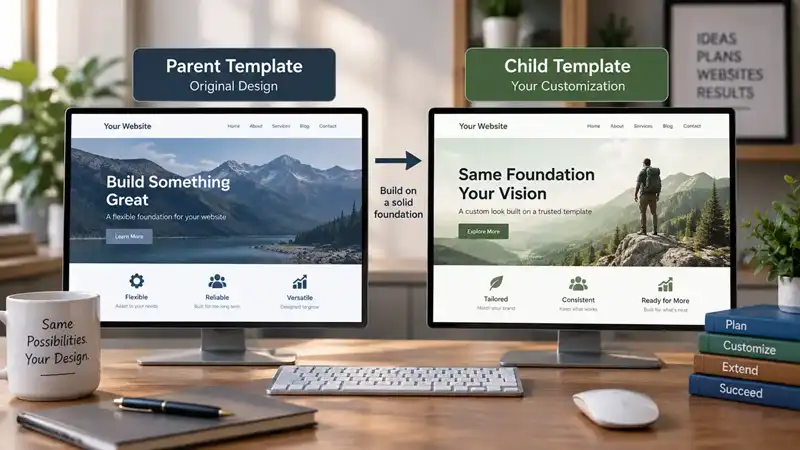
When and Why to Use Joomla Child Templates
- Learn when Joomla Child Templates are useful, how they build on a parent template, and when to choose them instead of Template Styles or template overrides.
Customizing a Joomla template can begin with relatively simple changes. You might adjust colours and typography through Template Styles, create an override for a particular layout, or add custom CS...

When to Use Categories and Tags in Joomla
- Learn how Joomla categories and tags serve different purposes, when tags can improve content discovery, and how to avoid creating an unnecessarily complicated content structure.
Joomla gives you both categories and tags for organizing content, but that doesn't mean every website needs to use both extensively. Categories usually provide the primary structure for articles. T...
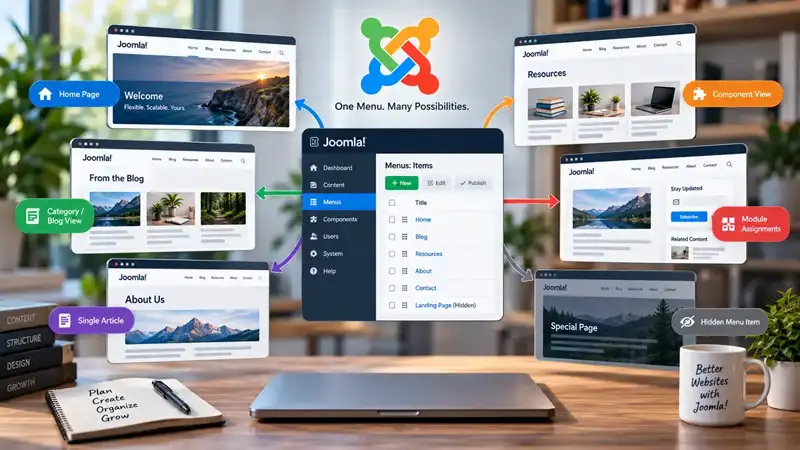
Why Joomla Menu Items Matter Beyond Navigation
- Learn why Joomla menu items do more than create navigation links, and how they help establish page context, module assignments, Template Styles, and hidden menu structures.
Menus are usually associated with navigation. You create a link, place it in a menu, and visitors use it to move from one part of a website to another. Joomla menu items certainly perform this job...

Why Some WordPress Users Might Switch to Joomla
WordPress and Joomla can both be used to build capable websites, but they approach content management differently. For someone who already knows WordPress, moving to Joomla is therefore less about ...

WordPress vs Joomla: Choosing the Right CMS
Choosing between WordPress and Joomla is not really about deciding which content management system is better. Both are mature, open-source platforms capable of running anything from a small publica...
WordPress Widgets vs Joomla Modules for creating Page Structure
When people compare content management systems, discussions often focus on editors, themes, or performance. Less attention is given to how pages are actually assembled. WordPress widgets and Joomla...