
- Project Quote
Submit a Request
CMS

Plugin Conflicts Explained
Plugin conflicts occur when two or more plugins interfere with each other or with WordPress core or the active theme. They are common, often misunderstood, and a frequent source of unstable behavio...
Understanding How Joomla Is Structured
Joomla feels much easier to manage once you understand how it is put together. This tutorial gives you a clear mental model of Joomla’s moving parts: what runs the public site, what happens in th...
Understanding Users, Permissions, and Roles
Joomla’s access control system is powerful, but it is often misunderstood. Many sites either avoid it entirely or overcomplicate it early. This tutorial explains how users, groups, permissions, a...

What Stability Actually Means for Website Owners
Stability is one of the most frequently used and least clearly defined words in website advice. Hosting companies promise it, plugins claim to improve it, and CMS communities argue over which platf...
What to Review Before Building Content
Before creating articles, menus, or media in bulk, it’s worth pausing to review a few structural and configuration decisions. Spending time here reduces rework, avoids content spread, and keeps J...
What WordPress Plugins Do and Don’t Do
Plugins are one of WordPress’s greatest strengths, but they are also a common source of confusion and frustration. Understanding what plugins are meant to do, and what they are not, helps you avo...
When Fewer Plugins Are Better
WordPress does not suffer from having plugins, but it does suffer from having too many. Understanding when fewer plugins are better helps you reduce complexity without sacrificing functionality....
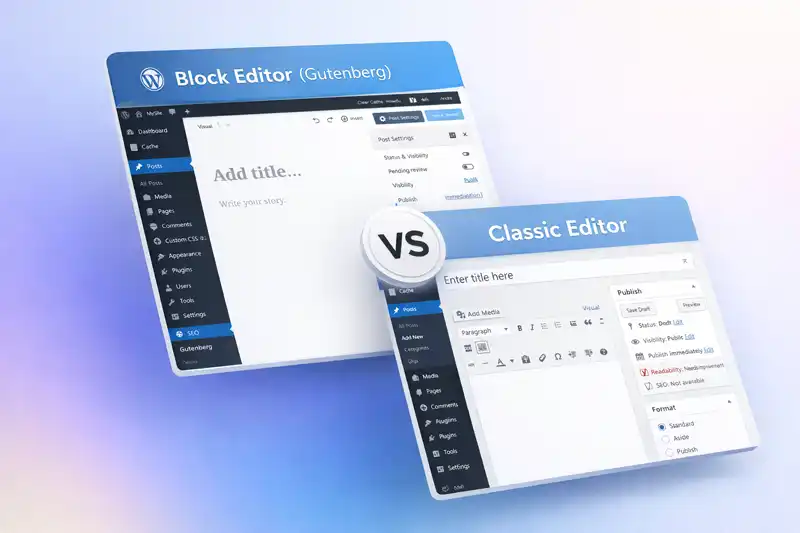
Why Block Editors Change Website Maintenance
Block editors change more than how pages are written. They change how layout decisions are made, how styling is distributed across a website, and how maintenance responsibilities shift over time. F...

Why CMS Defaults Matter More Than Most People Think
Most people don’t actively choose how their CMS works. They accept what is presented to them first. Editors, settings, structures, and workflows are adopted not because they were evaluated, but b...
Why CMS Updates Sometimes Break Websites
Most site owners understand that updates are necessary as they become available. They improve security, maintain compatibility with newer software versions, and help websites continue working relia...
Why Default CMS Settings Affect Stability
Most CMS websites begin with default settings that determine how content is stored, displayed, and managed. These settings often work well at the beginning of a project, which makes them easy to ov...
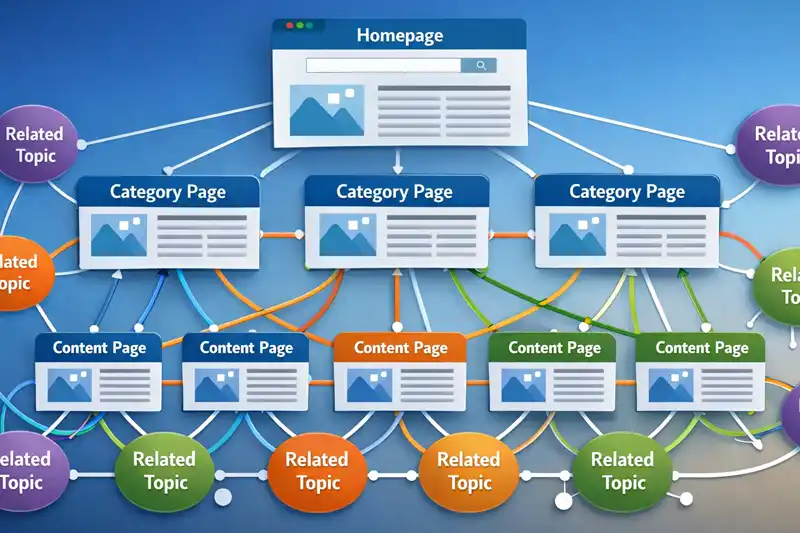
Why Internal Linking Structure Matters More Than Plugins for SEO
When site owners begin improving SEO on a CMS website, the first instinct is often to install plugins or extensions. Many tools promise better rankings, automated optimization, or improved indexing...
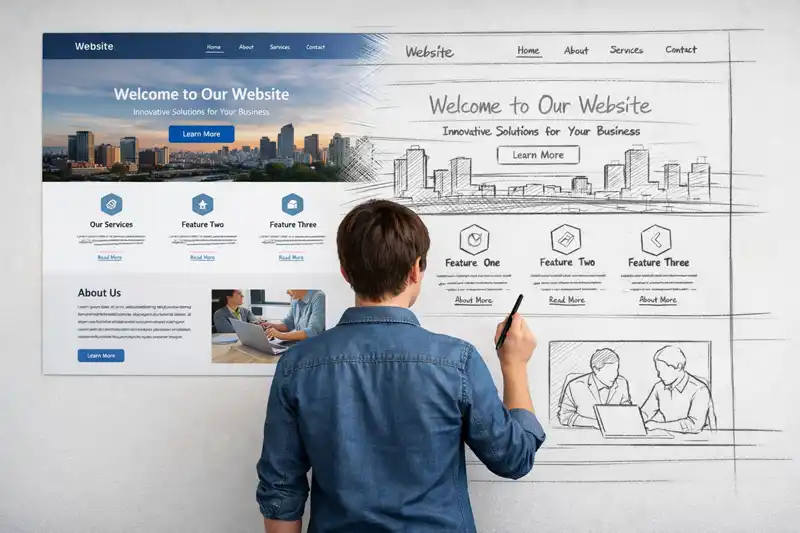
WordPress Widgets vs Joomla Modules for creating Page Structure
When people compare content management systems, discussions often focus on editors, themes, or performance. Less attention is given to how pages are actually assembled. Widgets and modules represen...