
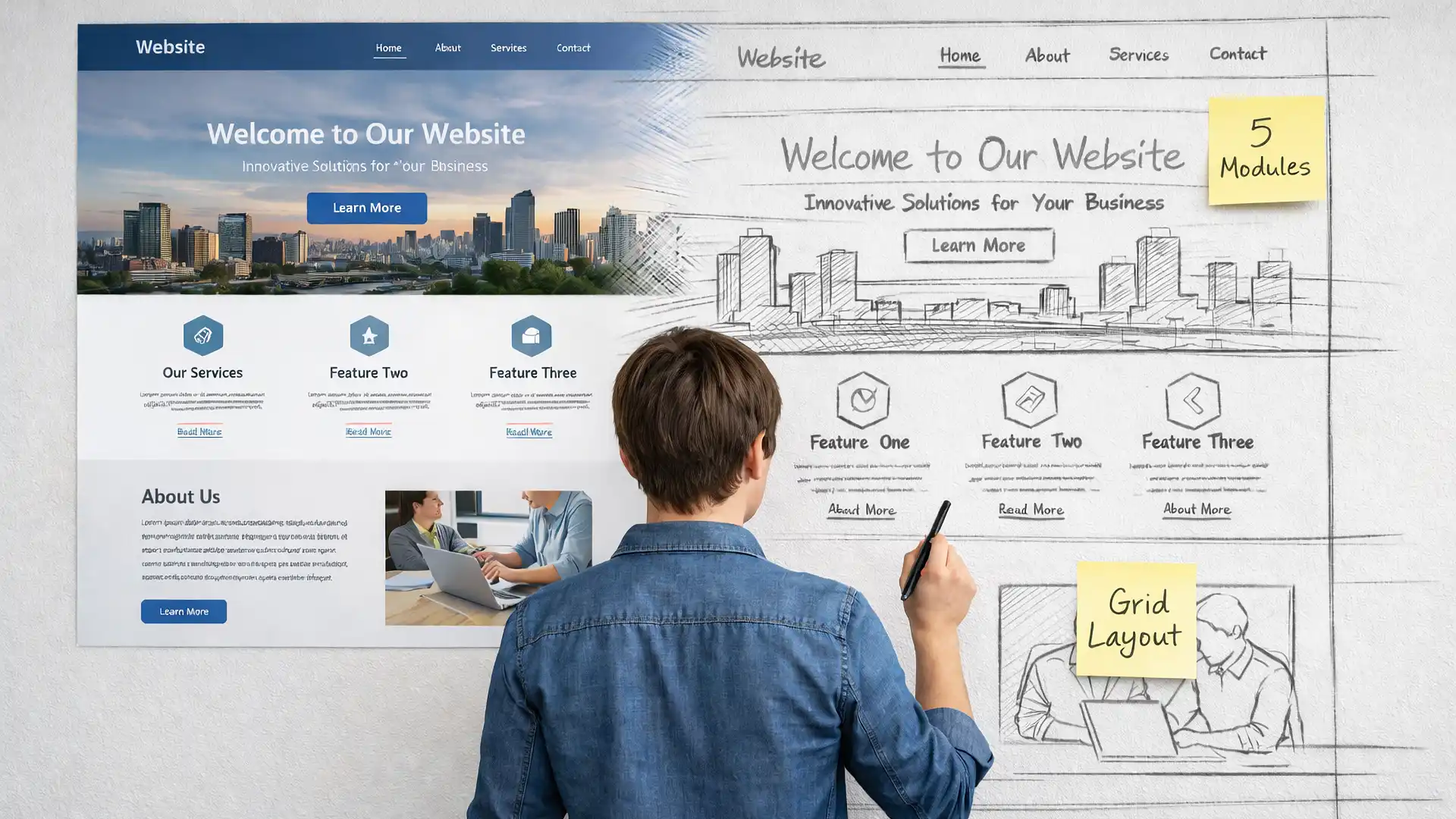
When people compare content management systems, discussions often focus on editors, themes, or performance. Less attention is given to how pages are actually assembled. Widgets and modules represent two different approaches to page structure, and understanding that difference helps explain why some CMS platforms feel more flexible while others feel more predictable.
Page Structure Is More Than Layout
Page structure determines where content appears, how it is reused, and how consistently it behaves across a site. While layout controls visual appearance, structure governs how content elements relate to the site as a whole.
Widgets and modules both exist to place content outside of the main article area. They serve similar purposes, but they reflect different assumptions about how pages should be built and managed over time.

How WordPress Widgets Are Intended to Be Used
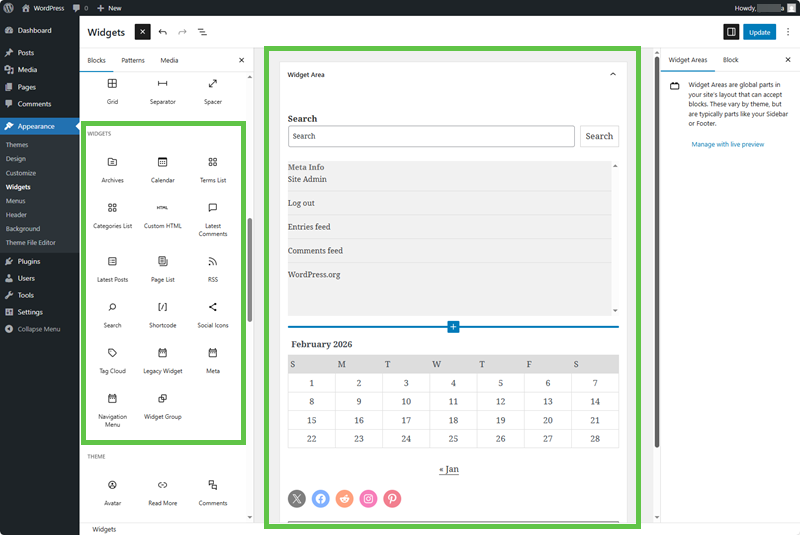
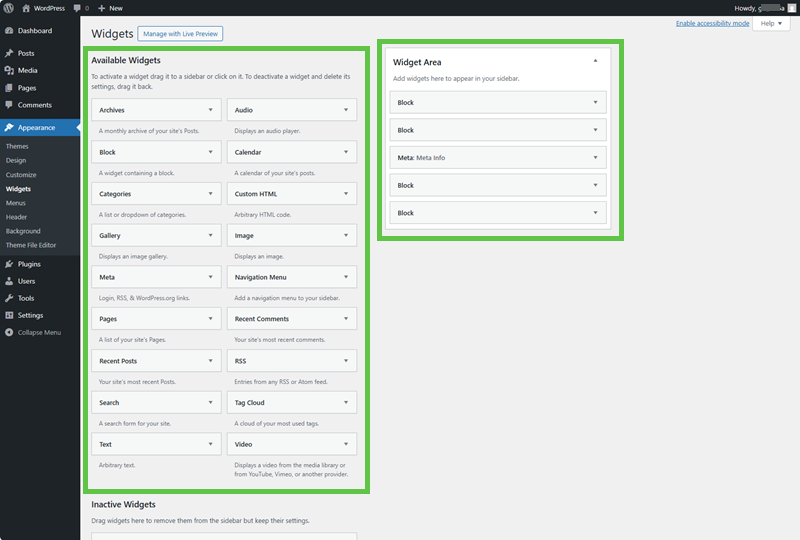
In WordPress, widgets are simple functional blocks designed to add small pieces of content to predefined areas of a theme, most commonly sidebars, footers, or header regions. Their primary goal is ease of use rather than structural control.
Widgets are managed through the Appearance interface and typically use a drag-and-drop workflow. This makes them accessible to beginners and well-suited for quick site assembly.
- Primarily used for sidebars, footers, and headers
- Designed for small, self-contained features
- Strongly tied to theme-defined widget areas
- Limited built-in visibility or display logic
In this model, widgets are largely a layout-adjacent feature. They enhance a page’s presentation but are not responsible for defining site-wide structure. For many small or content-light sites, this simplicity is an advantage.
How Joomla Modules Shape Page Structure
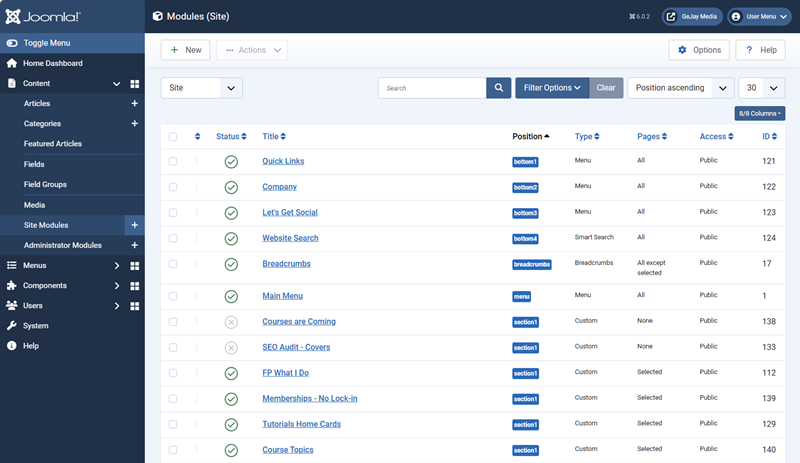
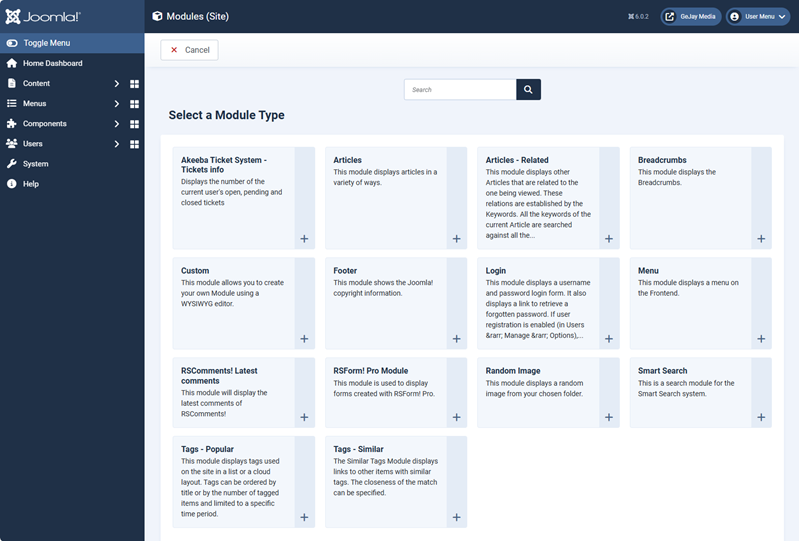
Joomla modules serve a broader structural role. Rather than being limited to decorative or secondary areas, modules act as flexible content containers that sit between the core component and the template.
Modules can display menus, login forms, custom content, system messages, or dynamic data, and they can be assigned to any template position. Their visibility is controlled through rules rather than layout placement alone.
- Can appear in any template position
- Assigned by menu items, user groups, or conditions
- Reusable across multiple pages by design
- Integrated into Joomla’s core architecture
This approach places more responsibility on structure. Modules are not just visual add-ons; they help define how content behaves across the site. While this introduces more concepts early on, it also enables greater predictability as sites become more complex.
How These Models Shape Workflow
The difference between widgets and modules is not just technical. It directly influences how site owners think about pages, content reuse, and change. Of course, this will depend on whether you're using WordPress or Joomla, since each is part of the CMS of choice.
Widget-based systems encourage page-by-page thinking. Content is often adjusted in response to layout needs, and structure evolves alongside design. Module-based systems encourage structural thinking, where content exists independently and is displayed according to rules.
| Aspect | WordPress Widgets | Joomla Modules |
|---|---|---|
| Primary role | Layout enhancement | Structural content container |
| Placement model | Theme-defined widget areas | Any template position |
| Visibility control | Limited without plugins | Built-in menu and user rules |
| Reuse philosophy | Often page- or layout-specific | Designed for reuse across contexts |
| Best suited for | Smaller, faster-to-build sites | Larger or more structured sites |
Why This Difference Matters Over Time
Early in a site’s life, both approaches can feel equally effective. As content accumulates and structure becomes more complex, the underlying model becomes more noticeable.
Widget-heavy sites may require more adjustment during redesigns, as layout changes can ripple outward. Module-driven sites often absorb design changes more calmly, because content placement rules remain intact.
NOTE: Neither approach is universally better. Problems usually arise when a site outgrows the assumptions of the model it started with. Also, be aware that widget or module positions could be named differently when you change the theme or template.
Connecting Structure Back to Workflow Choices
Widgets and modules align closely with broader workflow models. Widget-based approaches often pair naturally with layout-first publishing, while module-based approaches support content-first workflows.
This connection explains why debates around widgets, modules, and page builders often echo larger CMS discussions. The disagreement is rarely about features alone. It is about how structure, content, and layout are expected to interact over time.
For a broader look at how workflow influences long-term outcomes, see Content-First vs Layout-First CMS Workflows.
Choosing Awareness Over Preference
Most site owners do not need to “pick the right model” in advance. What matters more is understanding the implications of the model already in use.
When structure is understood, changes become intentional. Layout updates feel safer, reuse becomes clearer, and maintenance decisions are easier to reason about. Widgets and modules stop being mysterious tools and start behaving like predictable parts of a system.