
- Start Here
Explore GeJay Media
Joomla
Practical Joomla articles covering core features, site building, administration, templates, extensions, updates, and the tools and techniques used to build and manage Joomla websites.
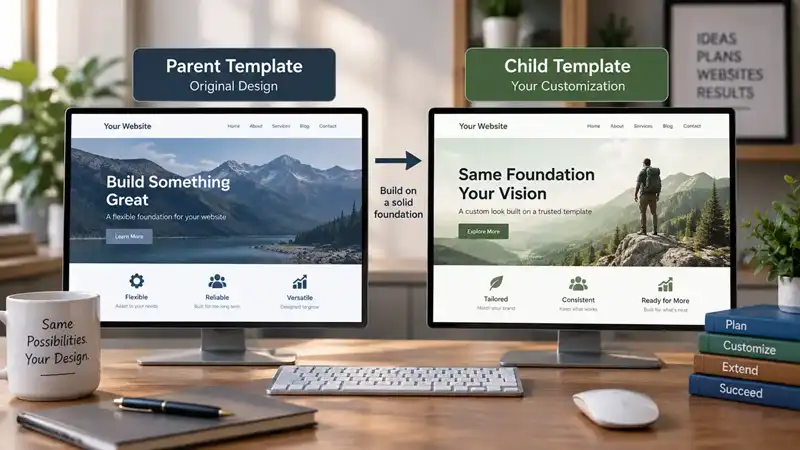
Customizing a Joomla template can begin with relatively simple changes. You might adjust colours and typography through Template Styles, create an override for a particular layout, or add custom CS...
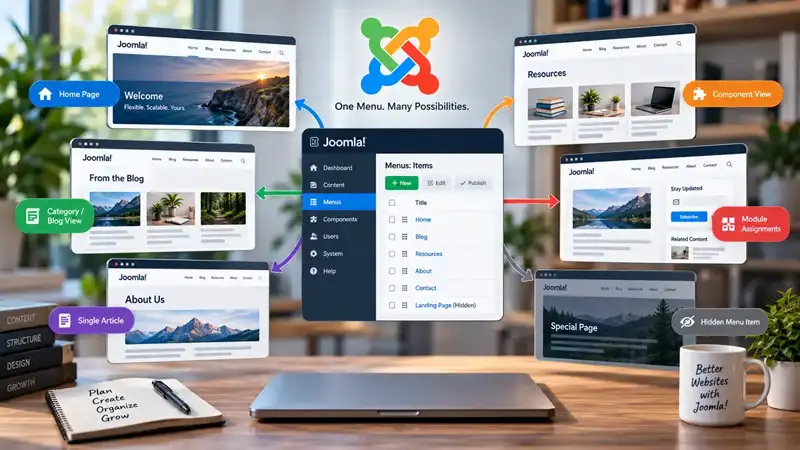
Menus are usually associated with navigation. You create a link, place it in a menu, and visitors use it to move from one part of a website to another. Joomla menu items certainly perform this job...
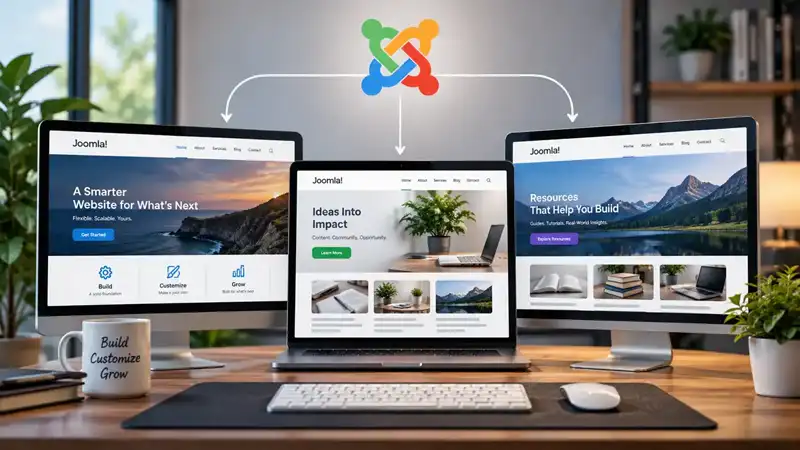
Installing a Joomla template doesn't mean every part of your website has to use the same configuration. A single template can have multiple Template Styles, each storing its own combination of sett...

Joomla categories provide the main editorial structure for articles, but that does not mean every subject, content variation, or future idea needs a category of its own. A category works best when ...
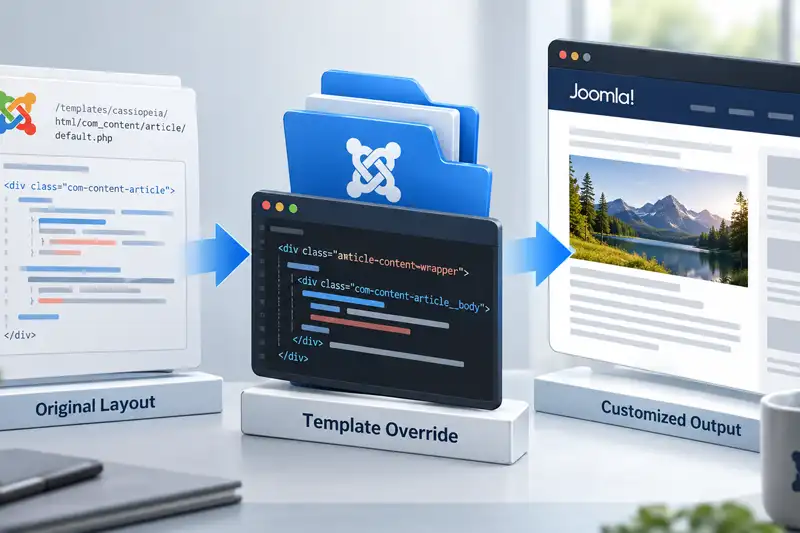
Joomla template overrides give you a way to change the HTML output produced by Joomla or an extension without editing the original files that provide that output. They are one of Joomla's most usef...

When people compare content management systems, discussions often focus on editors, themes, or performance. Less attention is given to how pages are actually assembled. WordPress widgets and Joomla...

WordPress and Joomla can both be used to build capable websites, but they approach content management differently. For someone who already knows WordPress, moving to Joomla is therefore less about ...

Joomla and WordPress both require ongoing maintenance, but the work is organized differently because the two content management systems divide responsibilities in different ways.
...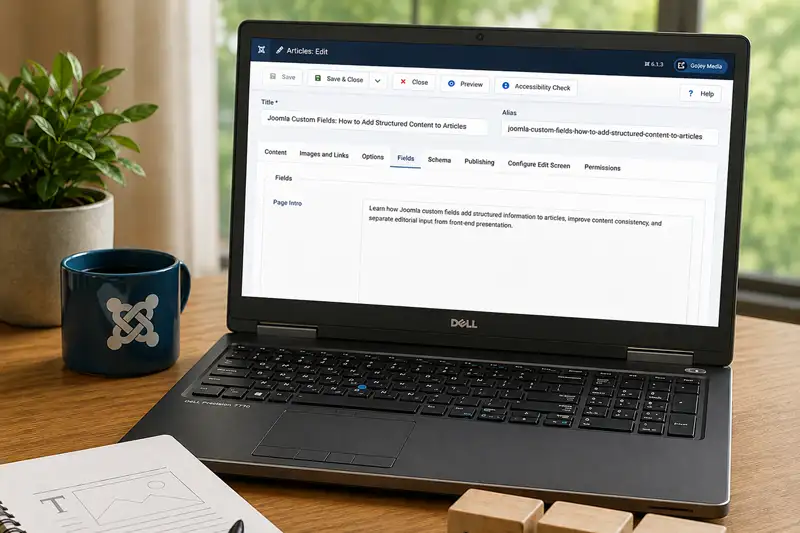
Joomla articles can contain much more than a title and a body of text. Images, author information, publishing dates, categories, tags, and other properties can all contribute to the finished conten...

Joomla and WordPress can both be customized extensively, but they organize customization differently. WordPress draws heavily on themes, blocks, plugins, and its large third-party ecosystem, while ...