
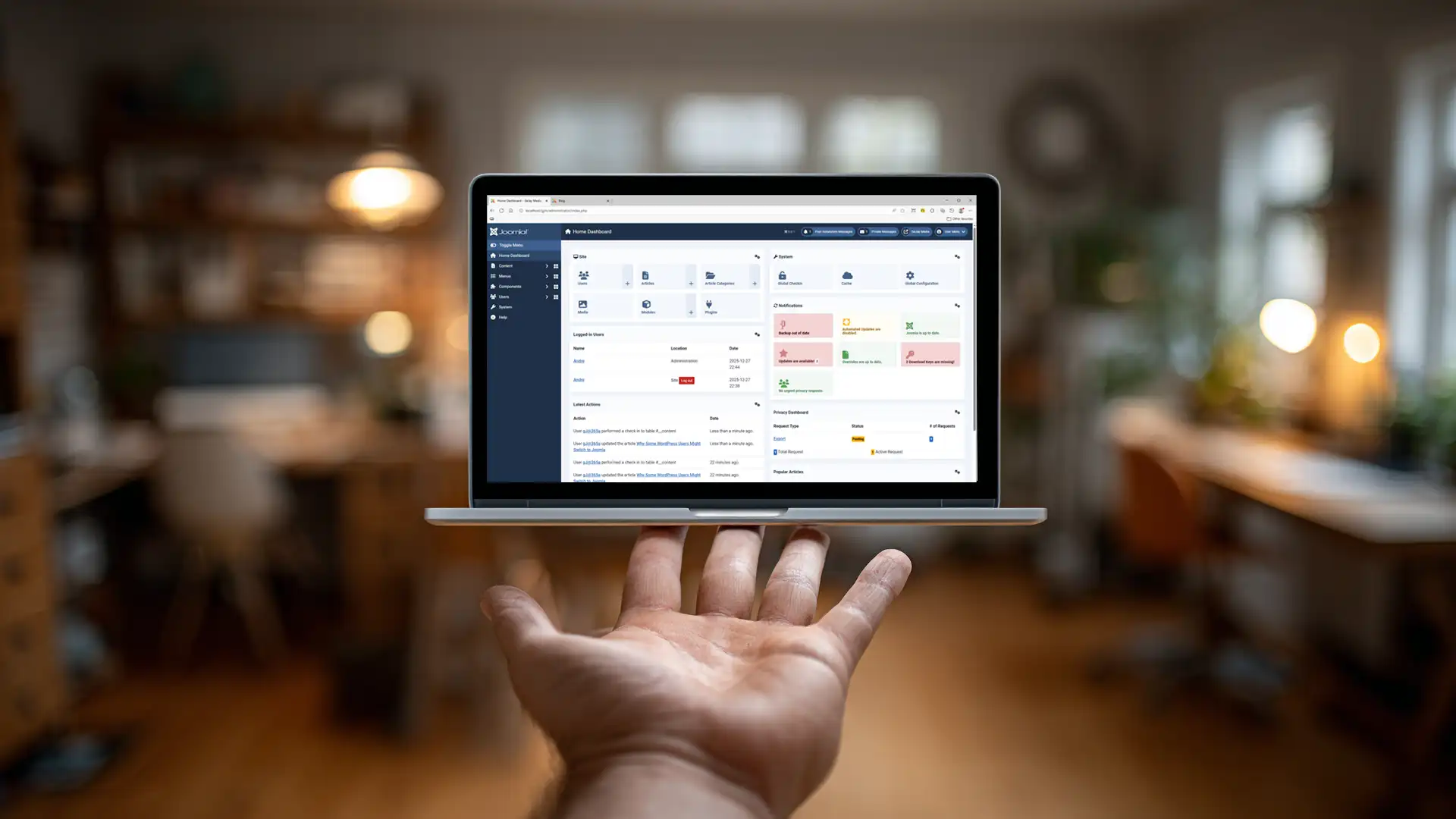
WordPress and Joomla can both be used to build capable websites, but they approach content management differently. For someone who already knows WordPress, moving to Joomla is therefore less about finding a "better" CMS and more about deciding whether Joomla's way of organizing content, layout, permissions, and extensions fits the kind of website you want to manage.
Some WordPress users may find Joomla appealing because more of the site's structure is exposed directly through the CMS. Categories, menu items, modules, access controls, templates, and extensions each have defined roles that can make complex relationships easier to manage once the system becomes familiar.
That does not mean Joomla is automatically the right choice for an existing WordPress site. Switching platforms creates real migration work, and many WordPress websites are perfectly well served by the system they already use.
NOTE: A CMS migration should solve a real problem. Changing platforms simply because another system looks interesting can create more work than it removes.
WordPress and Joomla Start From Different Mental Models
One of the biggest differences a WordPress user notices in Joomla is not an individual feature. It is how the CMS expects the parts of the website to relate to one another.
WordPress has evolved from a publishing platform into a broad website-building ecosystem. Depending on the installation, site structure may involve posts, pages, custom post types, categories, tags, blocks, themes, plugins, widgets, template parts, and page builders.
Joomla organizes much of its architecture around components, articles, categories, menu items, modules, plugins, templates, and access control.
Neither model is inherently simpler once a website becomes sophisticated. They simply expose different concepts to the administrator.
For a WordPress user, Joomla can initially feel unfamiliar because some relationships that WordPress handles through themes, plugins, or editor workflows are represented explicitly inside the CMS.
Joomla Provides More CMS Functionality in Core
One reason some WordPress users become interested in Joomla is the amount of functionality available without adding third-party extensions.
Joomla includes core systems for areas such as:
- multi-level user groups and permissions;
- multilingual website management;
- menu assignment and routing;
- module placement;
- categories and content organization;
- custom fields;
- workflow features;
- template overrides;
- privacy and user-management tools.
WordPress can provide comparable capabilities, but some of them are commonly introduced through plugins or specialized themes.
This difference can matter to site owners who prefer to keep more of the site's fundamental behaviour within the CMS itself.
It should not be interpreted as an argument that plugins are bad. WordPress's plugin ecosystem is one of its greatest strengths. Joomla also relies on third-party extensions when a site needs functionality beyond core.
The practical question is how many external dependencies your particular website requires and how comfortable you are maintaining them.
Modules Can Appeal to Users Who Want More Placement Control
Joomla modules are often one of the most noticeable architectural differences for someone coming from WordPress.
A module is a reusable content or functional element placed in a position provided by the template. It can then be assigned to selected menu items, user groups, or other conditions depending on the module and configuration.
This allows elements such as menus, related content, custom HTML, login forms, promotional areas, breadcrumbs, and extension output to remain separate from the primary article content.
WordPress provides reusable site elements through widgets, blocks, template parts, patterns, plugins, and theme functionality. Modern block themes have made this considerably more flexible than the classic widget model.
The difference is therefore not that Joomla can reuse content while WordPress cannot. It is how Joomla exposes module placement and assignment as a core part of its architecture.
This comparison is explored more closely in WordPress Widgets vs Joomla Modules for Page Structure.
Menu Items Play a Larger Structural Role in Joomla
WordPress users often think of navigation menus primarily as collections of links.
In Joomla, menu items can play a deeper role because they help define how components and content are presented through particular routes.
A Joomla menu item can determine what type of view is being displayed, which category or article is involved, how some page options behave, and which modules are assigned to that route.
This relationship can take time to understand, particularly when someone expects menus to be only navigational.
Once understood, it can provide a useful way to manage sections of a website because routing, presentation, and module assignment can work together through the menu system.
Access Control Is More Granular in Joomla Core
Joomla's Access Control List, usually referred to as ACL, is another reason some WordPress users consider the platform.
Joomla can create multiple user groups and viewing-access levels, then apply permissions at several levels of the system.
This can be useful for websites involving:
- multiple editorial roles;
- member-only content;
- departments or internal teams;
- different administrative responsibilities;
- restricted sections of a website.
WordPress includes a core roles and capabilities system and can be extended considerably through plugins and custom development.
The distinction is that Joomla exposes relatively advanced permission management as part of its standard CMS architecture.
That can be an advantage when permissions are central to the project, although simpler websites may never need most of that flexibility.
Content Organization Feels Different
WordPress users are familiar with posts, pages, categories, tags, and increasingly custom content types introduced through plugins or development.
Joomla approaches editorial content differently.
Articles normally belong to categories, and categories can be nested into a hierarchy. Menu items then expose individual articles, categories, featured content, and other component views to visitors.
This can initially feel more structured than WordPress because content organization and navigation are treated as related but separate systems.
For a growing publication, that separation can be useful. An article can remain part of a category regardless of where or how it is linked through the menu.
WordPress can support equally sophisticated organization, particularly with custom post types and taxonomies, but the implementation model is different.
Templates and Themes Are Not Exact Equivalents
A WordPress theme and a Joomla template both influence presentation, but treating them as direct equivalents can hide important differences.
WordPress themes vary enormously. A classic theme may rely heavily on PHP templates and widget areas, while a block theme can expose templates, patterns, styles, navigation, and other site elements through the Site Editor.
Joomla templates provide the site's presentation framework and define positions where modules can appear. Joomla also supports template overrides that allow component or module output to be changed without editing the original extension files.
For someone comfortable separating presentation from functionality, Joomla's template and override model can be attractive.
It also introduces concepts that require learning. A template override can be extremely useful, but it becomes another dependency that needs consideration when the CMS or an extension changes its output.
Joomla Extensions Use Several Extension Types
WordPress users are accustomed to describing most added functionality as plugins.
Joomla uses extension as the broader term for several types of add-ons, including components, modules, plugins, templates, and language packages.
Those extension types have different responsibilities.
A component generally provides the main application output for a page. A module displays supporting content in template positions. Plugins respond to events or modify behaviour. Templates control presentation.
This division can initially make Joomla appear more complicated because the administrator has to learn more terminology.
It can also make the role of an extension easier to identify once the model becomes familiar.
The important maintenance principle is the same on either CMS: every third-party dependency needs to remain compatible with the platform, server environment, and other software the site relies on.
A Smaller Extension Count Is Not Automatically Better
One temptation when comparing Joomla and WordPress is to count extensions or plugins and assume the platform requiring fewer must be easier or safer to maintain.
That is not a useful rule.
A WordPress website may require several small, well-maintained plugins to provide functionality that Joomla includes in core. Another WordPress site may require only a handful of plugins.
Likewise, a Joomla site can accumulate many extensions, overrides, modules, integrations, and customizations.
Maintenance risk depends more on the importance, quality, compatibility, and replaceability of those dependencies than on the raw number installed.
For WordPress specifically, this relationship is discussed in How Plugin Dependencies Create Risk on WordPress Sites.
WordPress Has the Larger Ecosystem
WordPress's enormous ecosystem remains an important advantage.
There are large numbers of themes, plugins, developers, hosting services, tutorials, agencies, integrations, and commercial products built around WordPress.
That breadth makes it easier to find specialized tools and service providers for many types of projects.
Joomla has a smaller ecosystem.
For some users, that is not a problem because the CMS already provides the features they need and suitable Joomla extensions are available for the remaining requirements.
For others, the availability of a particular WordPress plugin, theme, integration, or specialist may be a compelling reason to remain with WordPress.
Platform choice should therefore consider the ecosystem your actual project depends on rather than treating ecosystem size as either automatically good or automatically bad.
Editing Is Different, Not Necessarily Easier or Harder
WordPress has increasingly adopted block-based editing and site-building tools.
Joomla's standard article editing experience remains more traditional, although Joomla can also use alternative editors, page builders, custom fields, template frameworks, and other extensions.
A WordPress user who prefers a conventional document-style article editor may find Joomla familiar in that respect.
Another user who enjoys constructing layouts directly with blocks may prefer WordPress's current editing model.
Neither preference says much about the overall capability of the CMS.
What matters for long-term maintenance is where content, layout, and presentation decisions are stored and whether those relationships remain understandable as the site grows.
This issue is explored in Why Block Editors Change Website Maintenance.
Joomla Can Require More Learning Up Front
Joomla exposes several architectural concepts relatively early.
A new administrator may encounter articles, categories, menu items, modules, components, plugins, templates, positions, access levels, and permissions before becoming comfortable with how they fit together.
WordPress often provides a more immediately familiar starting experience, particularly for straightforward publishing.
That does not mean WordPress remains simple for every project. A sophisticated WordPress site can involve custom post types, taxonomies, page builders, template parts, plugin settings, custom fields, roles, caching systems, and other layers.
The difference is often when and how that complexity becomes visible.
Someone moving from WordPress to Joomla should therefore expect to learn a different mental model rather than looking for Joomla equivalents of every WordPress screen.
Switching CMS Platforms Is a Migration Project
Even if Joomla appears to be a better fit, moving an established WordPress website is not simply a matter of importing posts.
A migration may need to account for:
- posts and pages;
- categories and tags;
- images and media;
- users;
- comments;
- custom fields;
- custom post types;
- plugin-generated data;
- URLs and redirects;
- metadata;
- forms;
- navigation;
- theme or page-builder layouts;
- third-party integrations.
Some content can be transferred relatively easily. Other functionality may need to be recreated using Joomla extensions or core features.
URL changes also need deliberate handling so existing links and search traffic are not unnecessarily lost.
IMPORTANT: The more established the website, the more important it is to evaluate migration cost before deciding that a different CMS would be easier to maintain.
Sometimes the Better Decision Is to Stay With WordPress
Joomla may offer features or an architecture that appeals to a WordPress user without justifying a migration.
If the current WordPress site is stable, maintainable, well understood, and supported by tools the project depends on, changing CMS may provide little practical benefit.
Remaining with WordPress can make particular sense when:
- an important plugin or integration has no suitable Joomla equivalent;
- the existing site is heavily dependent on a page builder or custom theme;
- the organization already has strong WordPress expertise;
- the migration cost would exceed the expected benefit;
- the current maintenance problems can be solved without replacing the CMS.
A platform migration should solve structural, operational, or business requirements that are difficult to address within the existing system.
When Joomla May Be Worth Exploring
Joomla may deserve a closer look when a WordPress user wants:
- more advanced access control without depending on an additional permission system;
- core multilingual functionality;
- a strong separation between articles, navigation, modules, and templates;
- reusable module placement with menu-based assignment;
- more CMS functionality available without assembling as many third-party tools;
- a different approach to content organization and site administration.
Those are reasons to evaluate Joomla, not guarantees that it will be the better platform.
The best way to understand the difference is often to build a small Joomla installation and work with articles, categories, menus, modules, templates, and permissions directly.
That reveals much more than comparing feature lists.
Choose the CMS Model That Fits the Website
WordPress and Joomla are mature content management systems with different strengths, workflows, ecosystems, and architectural assumptions.
A WordPress user may find Joomla appealing because more structural functionality is available in core and because the relationships between content, menus, modules, permissions, and templates are explicitly represented in the CMS.
Another user may prefer WordPress because of its editing experience, ecosystem, familiar workflows, available integrations, or existing expertise.
Neither decision requires declaring one platform universally superior.
The more useful question is whether the way the CMS organizes and maintains a website matches the requirements of the project and the people responsible for operating it.
For a broader comparison of the two platforms, see WordPress vs Joomla: Choosing the Right CMS.
Related Joomla and WordPress Articles
Explore additional articles comparing Joomla and WordPress, including how the two systems differ in structure, customization, maintenance, and website management.