
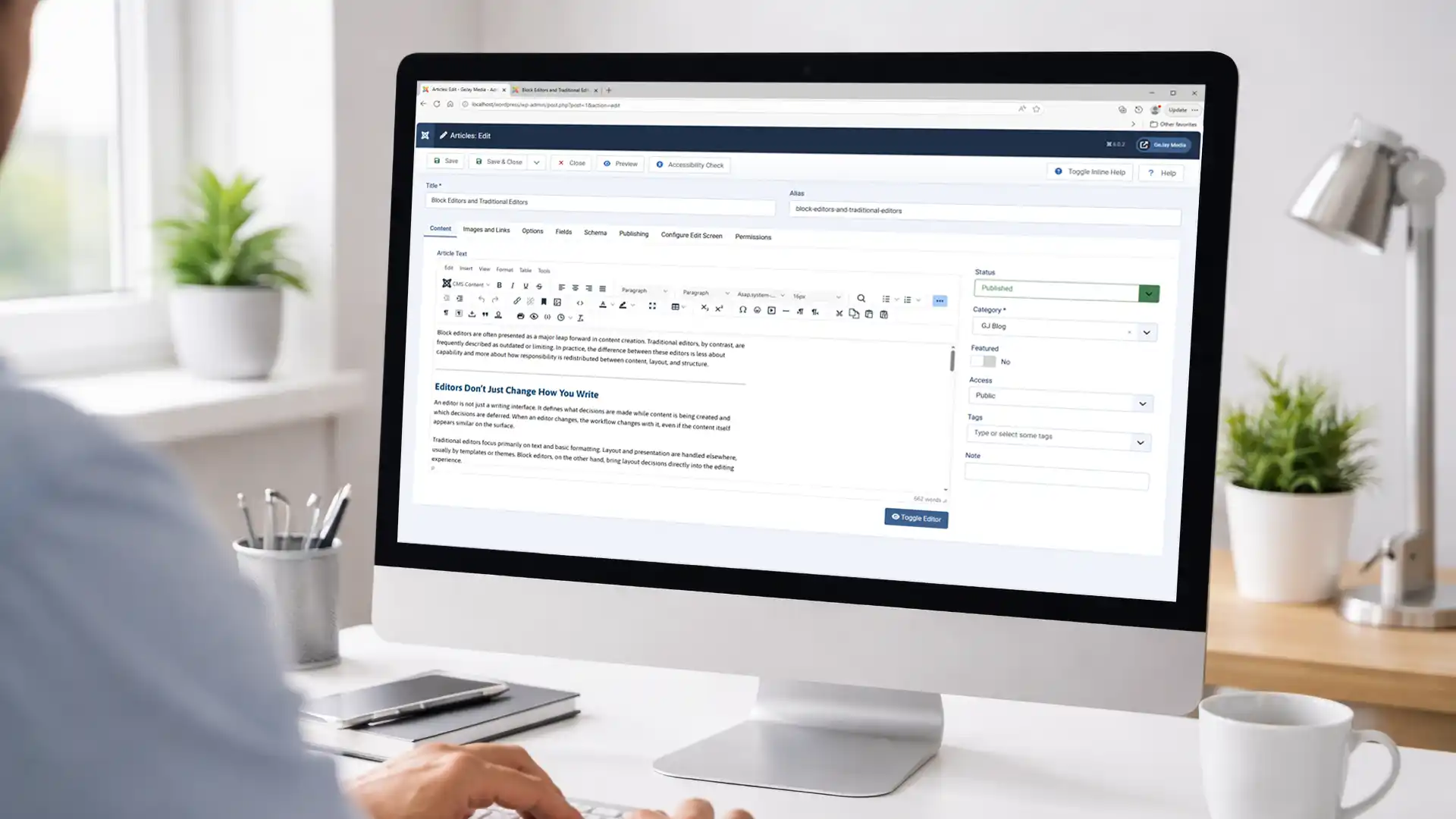
Block editors, like WordPress's Gutenberg, are often hailed as a revolutionary step in content creation, while traditional editors, such as Joomla's TinyMCE, are sometimes seen as outdated. However, the real distinction lies in how they redistribute responsibilities between content, layout, and structure. This article examines these differences, enabling Joomla and WordPress users to make informed decisions about their workflows.
Editors Don’t Just Change How You Write
An editor is more than a writing tool; it shapes the decisions made during content creation and which ones are postponed. Switching editors alters your entire workflow, even if the final output looks similar.
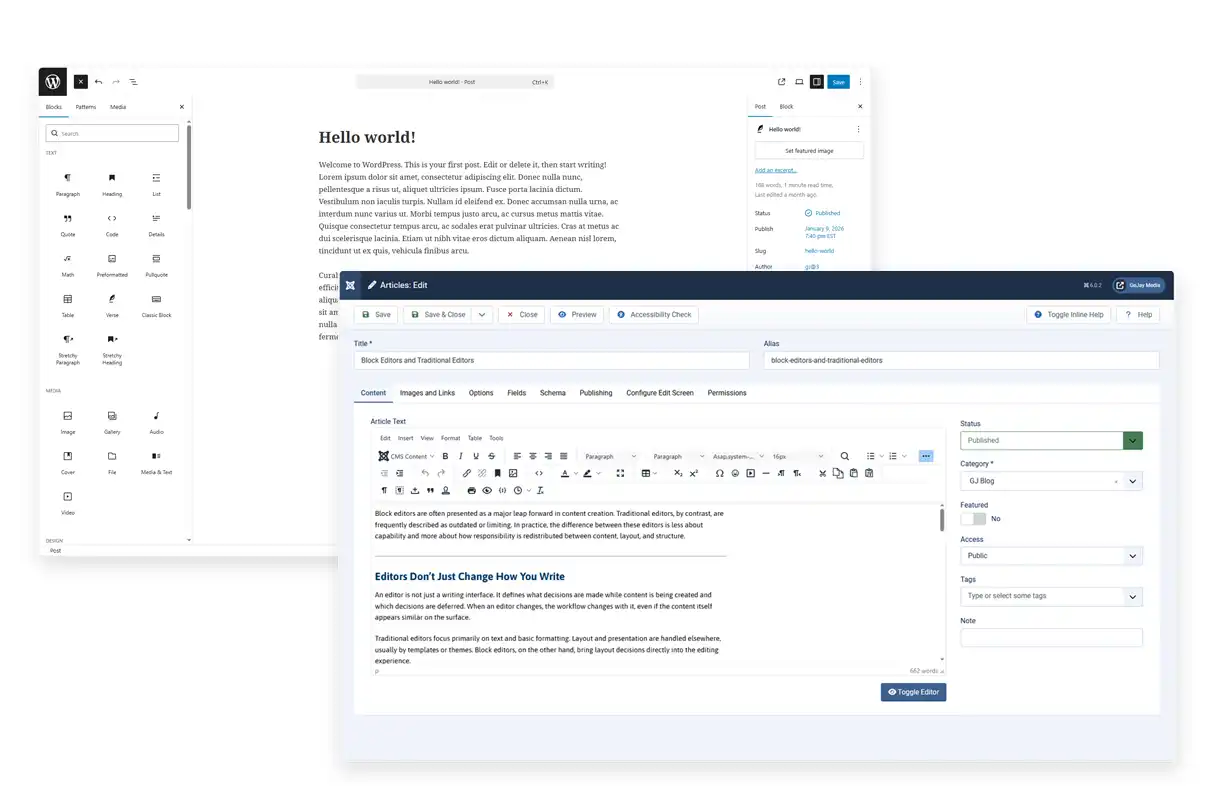
Traditional editors, like TinyMCE in Joomla, prioritize text and basic formatting, leaving layout to templates or modules. Block editors, such as WordPress's Gutenberg, integrate layout directly into the editing process, offering drag-and-drop flexibility.
What Traditional Editors Are Optimized For
Traditional editors emphasize a separation of concerns: the editor manages content, while templates handle presentation. This is evident in Joomla, where TinyMCE provides a familiar WYSIWYG interface similar to word processors, ensuring consistent styling across the site.
This model prioritizes semantic structure over visuals, making content more portable and adaptable during redesigns. For example, in Joomla, you can update a template to change layouts site-wide without editing individual articles.
- Content is created independently of layout
- Presentation is controlled at the template or theme level
- Editors emphasize hierarchy and clarity
- Design changes affect many pages at once
For newcomers, this might seem limiting initially, as visual previews are less immediate. But over time, it fosters consistency, especially on larger sites.
What Block Editors Introduce Into the Workflow
Block editors embed layout tools into content creation, providing real-time visual feedback. In WordPress, Gutenberg treats every element, text, image, and column as modular blocks that can be rearranged, styled, and customized individually.
This empowers users to build complex, visually engaging pages quickly. For instance, you can add a gallery block, embed videos, or create columns without coding, ideal for solo creators or dynamic blogs.
- Layout decisions are made while writing
- Content is built from visual components
- Pages become self-contained compositions
- Design choices are distributed across many pages
The downside? Content and design intertwine, potentially complicating site-wide updates. As of 2026, Gutenberg has matured with full-site editing and reusable patterns, enhancing its capabilities.
Example: Building a Page in Each Editor
To illustrate, consider creating a blog post with text, an image, and a call-to-action button.
In Joomla with TinyMCE, you'd write the text in the editor, insert the image via HTML or a button, and rely on modules or templates for the button and layout. This keeps things simple but requires separate tools for advanced designs.
In WordPress with Gutenberg: Insert a paragraph block for text, an image block, and a button block, all draggable. Preview instantly, but changes might need per-page tweaks later.
What Actually Changes Behind the Scenes
Beyond visuals, the shift is conceptual: Block editors decentralize control to pages, while traditional ones centralize it in systems. Neither is superior; it's about alignment with your site's growth.
| Aspect | Traditional Editors (e.g., Joomla TinyMCE) | Block Editors (e.g., WordPress Gutenberg) |
|---|---|---|
| Primary focus | Content clarity | Visual composition |
| Layout responsibility | Templates/themes | Individual pages |
| Reuse model | Centralized | Page-specific (with patterns) |
| Design consistency | High by default | Requires discipline |
| Ease for beginners | Simple text editing | Intuitive drag-and-drop |
| Plugin/Extension Integration | Seamless with modules | Extensive block ecosystem |
Why This Difference Matters Over Time
Block editors shine early for quick, flexible setups. But as your site scales with hundreds of articles on your Joomla/WordPress hybrid, distributed designs can lead to maintenance headaches.
Traditional workflows, like Joomla's, handle evolution gracefully. Branding overhauls or migrations often require minimal content tweaks. In 2026, with Joomla 6 still relying on TinyMCE, this stability remains a key strength.
Editor choices rarely cause instant issues. Challenges emerge as sites mature and initial assumptions clash with real-world needs.
Choosing Awareness Instead of Sides
Rather than debating "better," ask if the editor fits your site's future. Gutenberg suits creative, visual sites; TinyMCE excels in structured, consistent environments.
By recognizing these shifts, you can make deliberate decisions. Prioritize visual freedom? Go blocks. Value long-term clarity? Stick to tradition.
For more on editorial workflows, see Content-First vs Layout-First CMS Workflows.
FAQ: Common Questions on Editors
- Can I use TinyMCE in WordPress? Yes, via the Classic Editor plugin, but Gutenberg is the default since WordPress 5.0.
- Does Joomla support block editing? Not natively like Gutenberg, but extensions like page builders can add similar functionality, although I recommend avoiding page builders.
- Which is better for SEO? Both can be SEO-friendly; consistency in traditional editors often helps with structured data.
Related reading:
- Widgets and Modules: Two Different Approaches to Page Structure
- Why CMS Defaults Matter More Than Most People Think
What are your experiences with Gutenberg or TinyMCE? Share in the comments below!