
- Start Here
Explore GeJay Media
Maintenance

Common Website Security Misconceptions That Can Lead to Bad Decisions
- Separate common website security misconceptions from practical risk management, including extensions, administrator access, hosting, backups, HTTPS, and recovery.
Website security advice can easily become dominated by fear. A new vulnerability appears, another security product promises stronger protection, or a list of recommended precautions grows until sec...

Early Warning Signs a Website Is Becoming Fragile
A website rarely becomes difficult to maintain because of one dramatic event. More often, the change is gradual. Routine updates require more investigation, small changes produce unexpected results...
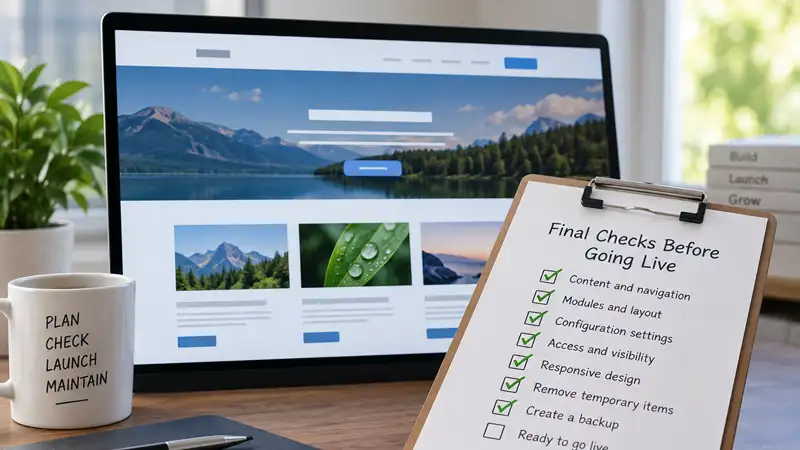
Final Joomla Checks Before Going Live
- Run a structured final review of your Joomla site before launch, including navigation, modules, configuration, access, responsive behaviour, development leftovers, and backups.
A Joomla website can look finished while still containing problems that only become obvious once you start using it as a visitor. Before making the site public, a final review can catch navigation ...
How Configuration Drift Makes Websites Harder to Manage
- Learn how configuration drift develops through small, undocumented changes, why local, staging, and live environments can diverge, and how to keep a website's configuration understandable.
Websites rarely become difficult to manage because of one dramatic configuration change. More often, complexity accumulates through dozens of smaller decisions: a setting changed to solve a problem...

How Often Should You Back Up Your Website?
- Learn how often to back up your website based on how frequently it changes, how much data you can afford to lose, and what your recovery strategy requires.
There is no single backup schedule that is appropriate for every website. A site that changes only a few times each month has very different recovery requirements from an online store processing or...

How Plugin Dependencies Create Risk on WordPress Sites
Plugins are one of the main reasons WordPress is so flexible. They allow site owners to add forms, ecommerce, backups, security tools, SEO features, performance controls, memberships, integrations,...

How to Identify and Resolve Joomla Extension Conflicts
- Learn how to recognize Joomla extension conflicts, investigate overlapping functionality, identify dependencies, and resolve problems without creating additional complications.
Joomla extensions allow website owners to add functionality without developing every feature themselves. Components, modules, plugins, and templates can work together to create a flexible website, ...

How to Know When a Website Needs More Than Routine Maintenance
- Learn how to recognize when recurring problems, accumulated customizations, dependencies, and maintenance debt mean a website needs more than routine upkeep.
Routine website maintenance is supposed to keep a website healthy. Updates are reviewed and applied, backups are maintained, important functionality is checked, and ordinary problems are addressed ...

Joomla vs WordPress: How Website Maintenance Differs
Joomla and WordPress both require ongoing maintenance, but the work is organized differently because the two content management systems divide responsibilities in different ways.
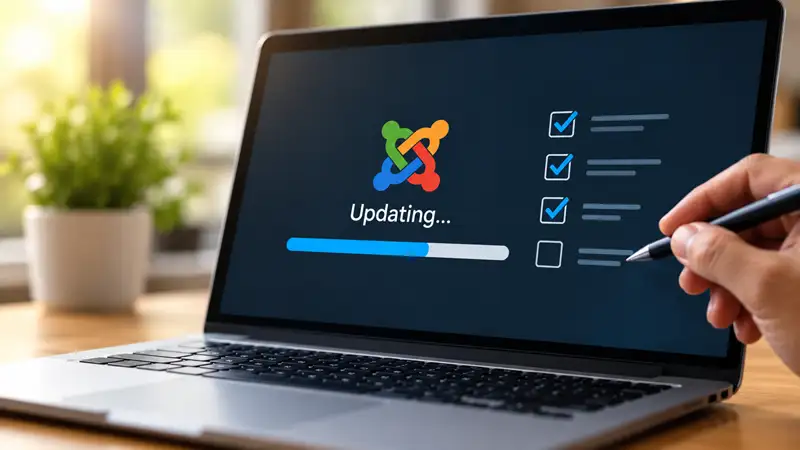
Managing Joomla Updates Without Creating Unnecessary Problems
- A practical approach to Joomla updates, from checking compatibility and preparing backups to verifying changes and recovering when something goes wrong.
Keeping Joomla updated is an important part of maintaining a secure, stable, and functional website. However, updates are not always as straightforward as selecting an available update and waiting ...
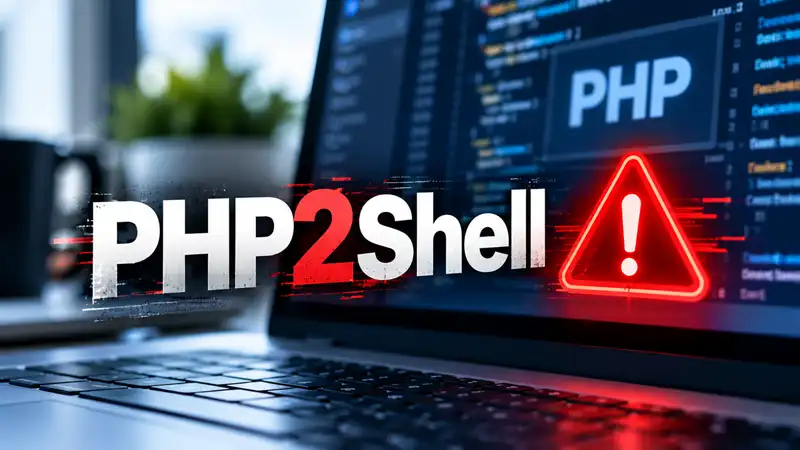
PHP2Shell: A Critical Security Threat for Website Owners
- Two critical PHP vulnerabilities have raised concerns across the web hosting industry, reminding website owners that security goes beyond their content management system.
Two critical security vulnerabilities affecting PHP have prompted urgent warnings across the web hosting and cybersecurity industries. Known collectively as PHP2Shell, these vulnerabilities could e...

Website Stability Fundamentals for CMS Site Owners
Website stability does not mean keeping a site unchanged. Content changes, CMS and extension updates, hosting environments evolve, and technical requirements move forward. A website has to accommod...
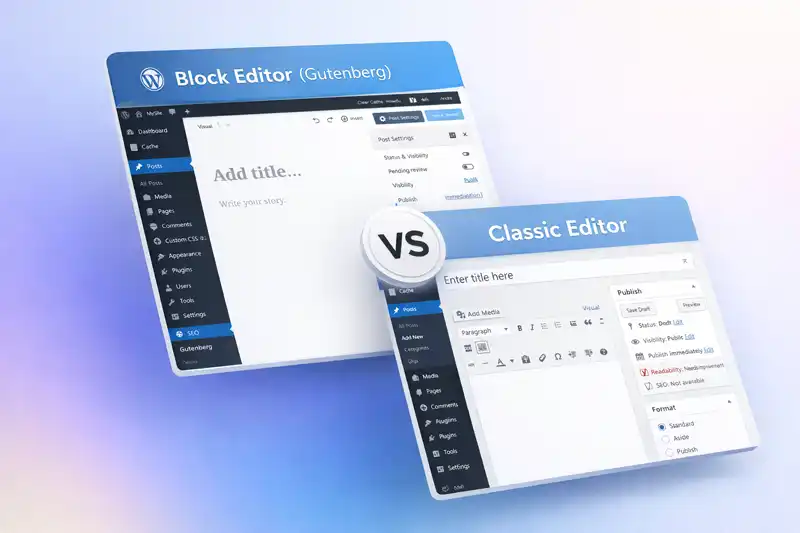
Why Block Editors Change Website Maintenance
Block editors change more than the experience of writing a page. They can also change where layout and presentation decisions are stored, who controls those decisions, and how easily they can be ch...

Why CMS Defaults Can Create Long-Term Problems
Most people do not actively choose every aspect of how their content management system works. They begin with what the CMS provides: its editor, configuration, publishing workflow, content structur...
Why CMS Updates Sometimes Break Websites
Keeping a CMS website updated is an important part of maintaining it. Updates fix security vulnerabilities, correct bugs, add or improve features, and help software remain compatible with the techn...
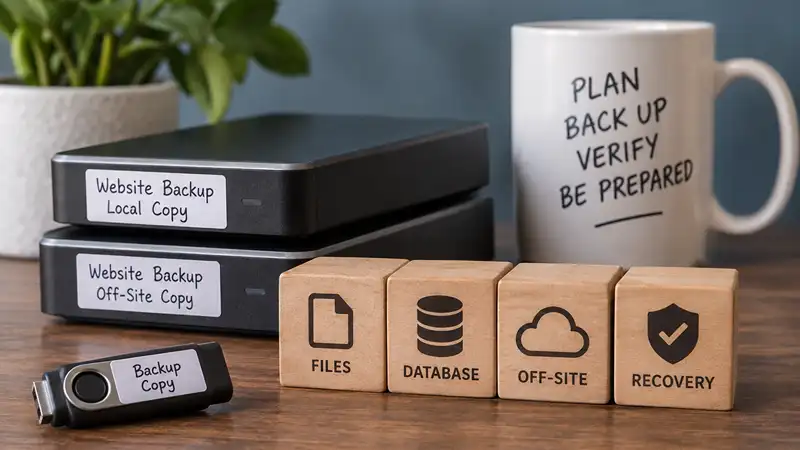
Why Website Backups Can Fail When You Need Them
- A completed backup does not guarantee a successful recovery. Learn where website backups can fail and how to build greater confidence in the recovery process.
Seeing a successful backup message can be reassuring, but it does not necessarily mean your website can be recovered from that backup. Problems with the backup itself, its storage, or the restorati...

Why Website Maintenance Gets Harder as Sites Grow
A website can work perfectly well today and still become increasingly difficult to maintain over the next several years. The change is usually gradual. New extensions are installed, settings are ad...
Why Website Maintenance Should Be Routine
Website maintenance is easier to manage when it happens regularly rather than only when something breaks. Updates, backups, extension reviews, link checks, and other routine tasks may be individual...